
Modern web design is less about a trendy look and more about how a site behaves: it fits any screen, loads fast, works for people with disabilities and respects the settings visitors already chose on their device. A site built that way feels modern for years, because it is built on web standards instead of a passing style.
This guide covers six principles, each backed by the people who set the standards: Google, the W3C and the browser documentation on MDN. You can use them as a checklist for a new site or to judge the one you have.
What modern web design means
Search for the term and you will see galleries of bold fonts, big images and animated scroll effects. Those can look good, but they are only the surface. Styles change every year. The basics underneath change much more slowly.
In practice, a modern site does these things well:
- Fits every screen with one responsive layout.
- Loads and responds quickly, measured with real data.
- Works for everyone, including keyboard and screen reader users.
- Uses flexible components that adapt to the space they sit in.
- Follows the visitor's settings, such as dark mode and reduced motion.
- Keeps the main content clear, without clutter that gets in the way.
Good UI and UX design starts from these points and then adds the brand's own look on top.
Design for mobile first
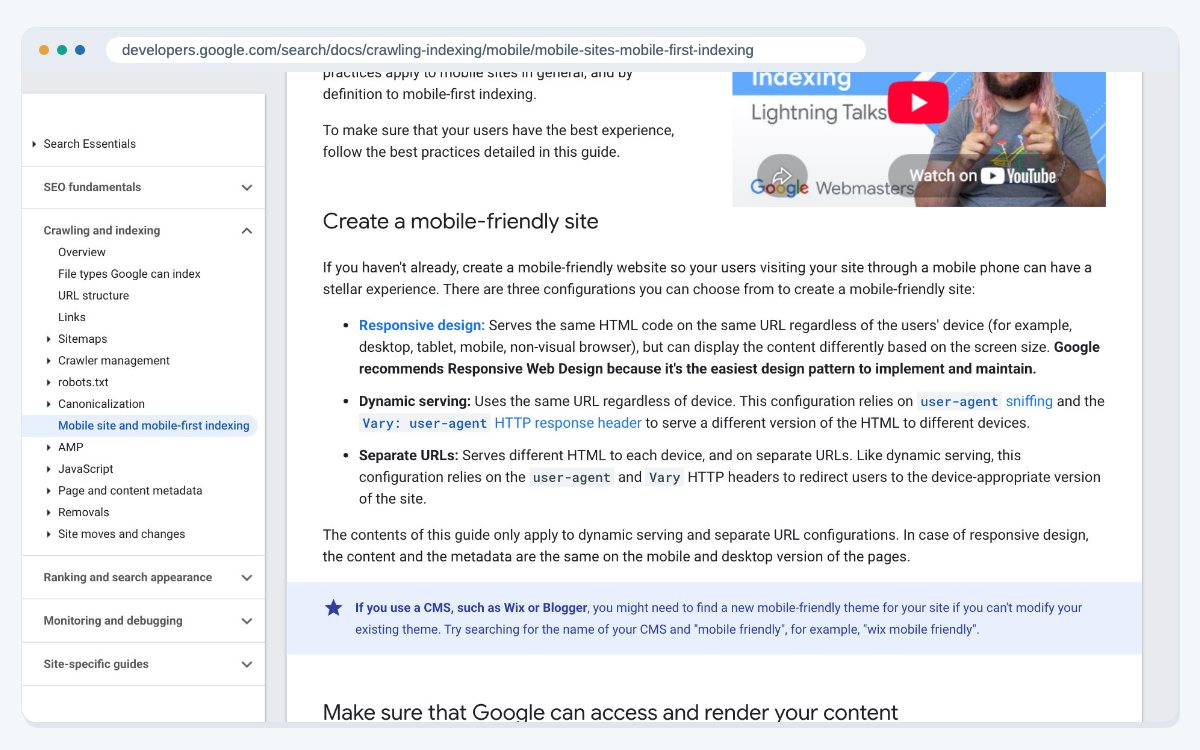
Google indexes and ranks the mobile version of your site. Its guide to mobile-first indexing best practices (last updated 10 December 2025) says Google recommends responsive web design because it is the easiest design pattern to build and maintain.
With a responsive site, the content and metadata are the same on phone and desktop. That removes a whole class of problems, such as text or structured data that exists on desktop but is missing on mobile.
For design work, mobile first means:
- Sketch the phone layout first, then let it grow for larger screens.
- Keep the same content on every screen size. Hide less, simplify more.
- Make sure Google can load your CSS, JavaScript and images, so it renders the page the way visitors see it.
If you are planning a site from the ground up, our guide to designing a website from scratch walks through the order of work.
Make speed part of the design
Speed is a design decision. Large hero videos, heavy fonts and layouts that jump while loading all come from design choices.
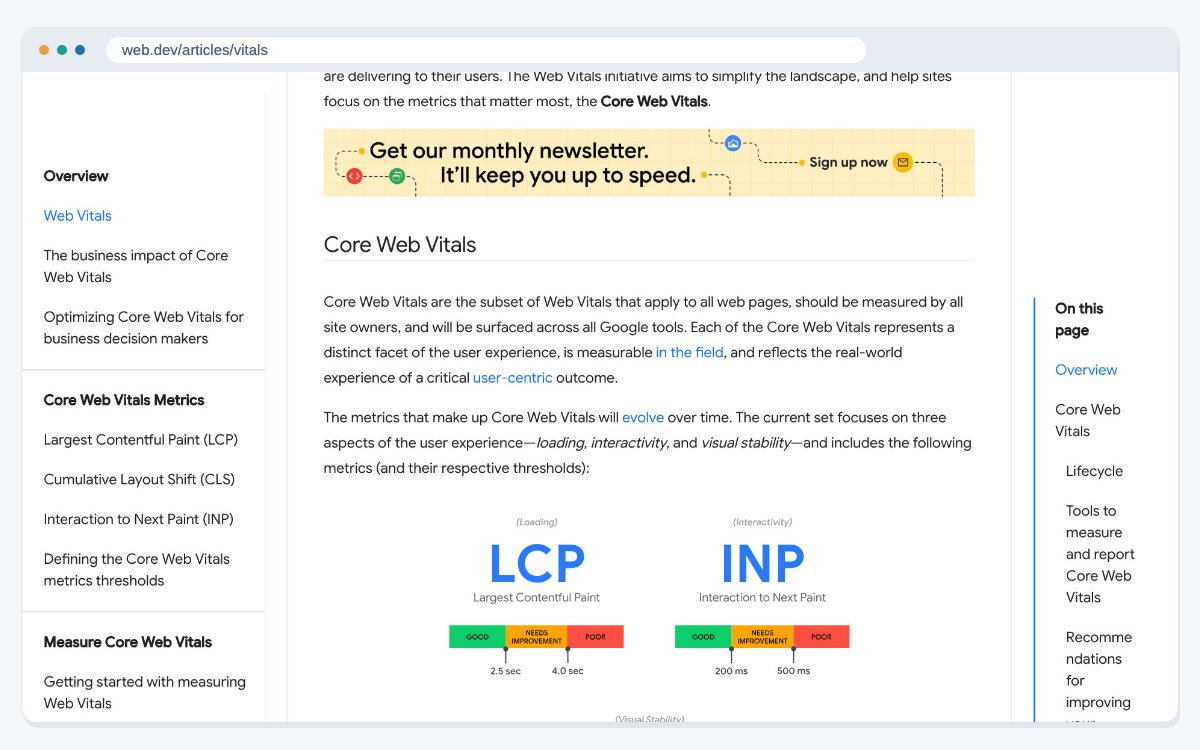
Google measures this with the Core Web Vitals. The web.dev guide to Web Vitals (last updated 31 October 2024) sets three targets for a good experience:
- Largest Contentful Paint (LCP): the main content shows within 2.5 seconds.
- Interaction to Next Paint (INP): the page responds to taps and clicks within 200 milliseconds.
- Cumulative Layout Shift (CLS): a score of 0.1 or less, so things don't jump around.
Google says to measure these at the 75th percentile of real page loads, on mobile and desktop separately. In design terms, that means sizing images and ads so space is held for them, using fewer font files, and keeping the first screen light. The field tools listed on web.dev show which pages miss these targets.
Build accessibility in from the start
An accessible site works for people who use screen readers, keyboards, zoom or voice control. It is also easier for everyone else to use.
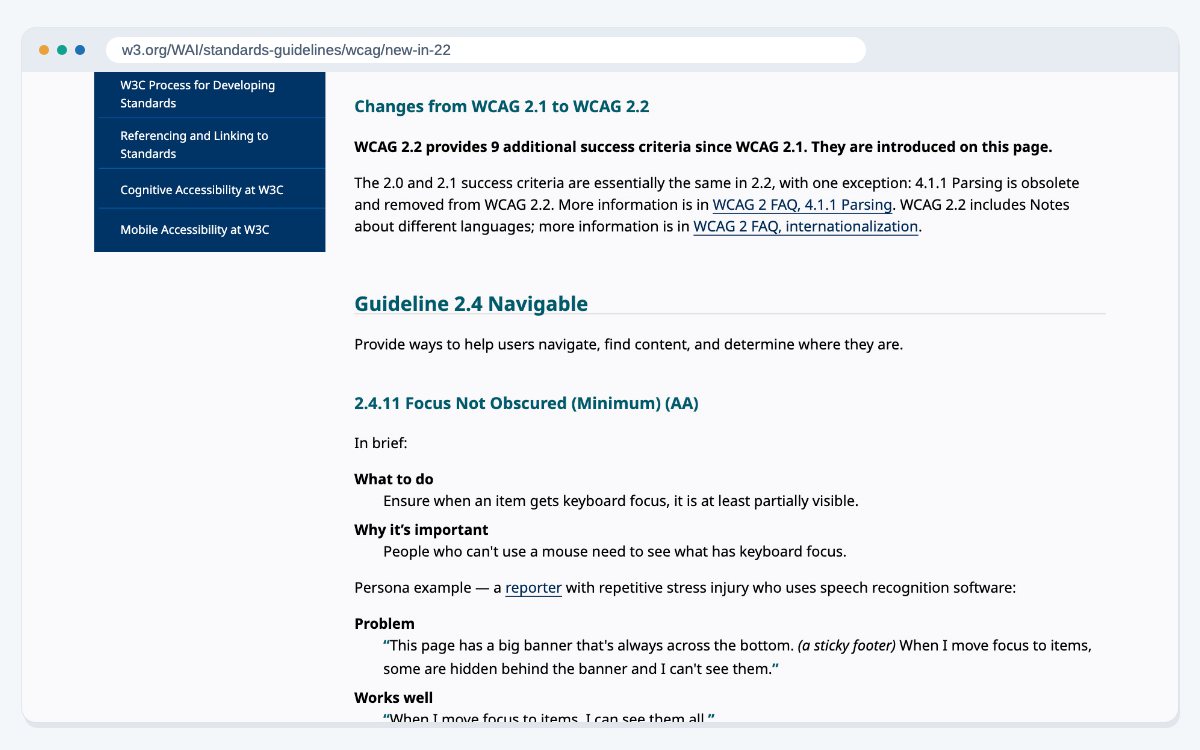
The current standard is WCAG 2.2. The W3C's summary of what's new in WCAG 2.2 (updated 5 October 2023, the day it became a W3C Recommendation) lists nine new success criteria. Several of them are design decisions:
- Focus Not Obscured (Minimum): sticky headers and cookie bars must not hide the item a keyboard user has selected.
- Dragging Movements: anything done by dragging also needs a simple click or tap option.
- Consistent Help: help links, such as contact details, sit in the same place on every page.
The new rule on target size says buttons and links for pointer input should be at least 24 by 24 CSS pixels, with a few exceptions such as links inside a sentence. Plan for this in the design file, not after launch. Our website accessibility service checks a site against these criteria.
Use layouts that adapt to their space
Older responsive design used media queries, which change the layout based on the size of the screen. That works for the page as a whole, but a card or a sidebar block can appear in a wide column on one page and a narrow one on another.
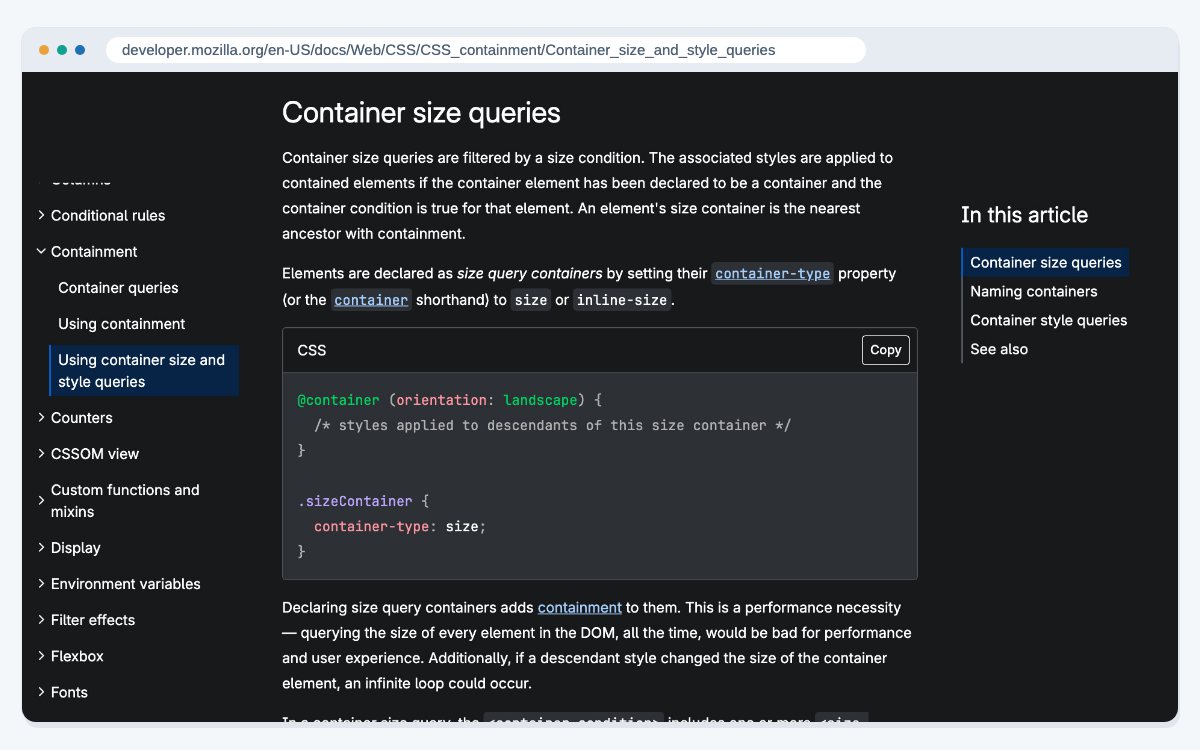
Container queries fix this. MDN's guide to container size and style queries (last modified 14 October 2026) explains that they style an element based on the size of the box it sits in, not the size of the screen. They use the same syntax as media queries.
For designers, this means you can design one component that looks right wherever it is placed. It also makes a design system easier to keep tidy, which matters when design and development are split between teams, as our post on web dev and web design explains.
Respect the visitor's settings
Many people set a light or dark theme on their phone or computer. Some turn on a setting to reduce motion, because large animations can make them feel unwell. A modern site reads these settings and follows them.
MDN documents two CSS features for this, and both have been available across browsers since January 2020:
- prefers-color-scheme (last modified 4 August 2026) tells the site whether the visitor wants a light or a dark theme.
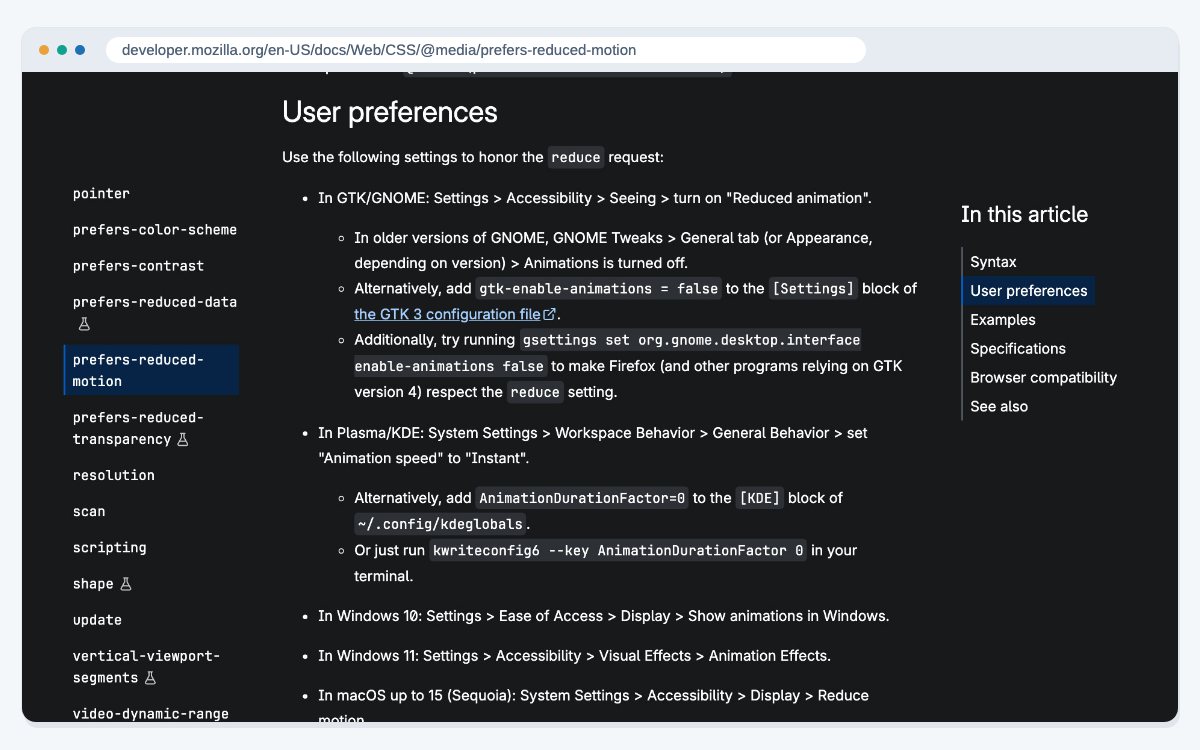
- prefers-reduced-motion (last modified 10 June 2026) tells the site the visitor wants less motion. MDN notes that scaling or panning large objects can cause discomfort for people with vestibular motion disorders.
So design two colour sets that both stay easy to read, and give every animation a calm version. Parallax and scroll effects should switch off when reduced motion is on.
Keep the main content clear
The last principle is the simplest. Visitors came for your content, so make it easy to find.
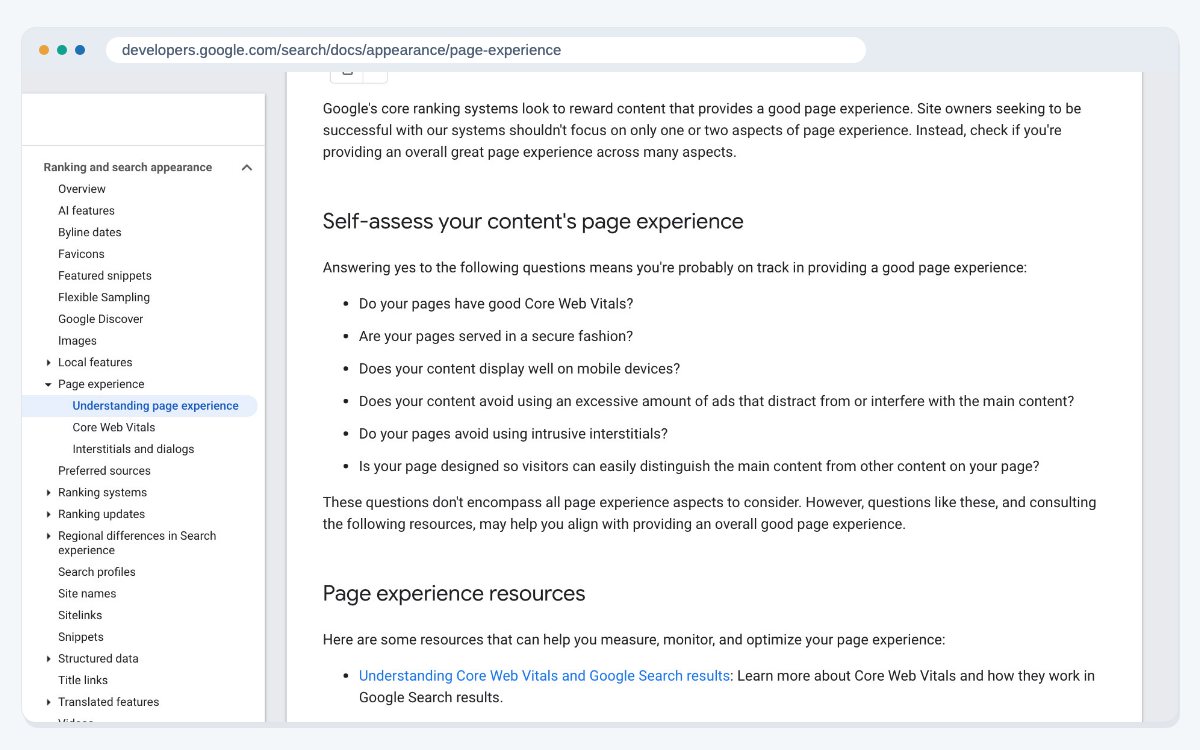
Google's page on page experience (last updated 22 September 2026) offers a set of self-assessment questions. They ask whether the page has good Core Web Vitals, is served securely, displays well on mobile, avoids too many distracting ads, avoids intrusive pop-ups, and lets visitors easily tell the main content apart from the rest.
Google also says Core Web Vitals are used by its ranking systems, but that relevance comes first and chasing a perfect score just for SEO may not be worth the time. Design for people, and the scores tend to follow.
If your current site falls short on several of these points, a website redesign is often quicker than patching it page by page. Before you start, read our checklist on protecting rankings during a redesign. And if you would like help building a site on these principles, our web design services team can help.
Frequently asked questions
It is web design built on current standards: responsive layouts, fast loading, accessibility, flexible components and support for user settings like dark mode. The visual style sits on top of those basics.
Yes. Google indexes the mobile version of sites and recommends responsive web design because it is the easiest pattern to build and maintain.
According to web.dev, LCP within 2.5 seconds, INP within 200 milliseconds and CLS of 0.1 or less, measured at the 75th percentile of real page loads.
Google says Core Web Vitals are used by its ranking systems. It also says relevance comes first, and a perfect score alone won't put a page at the top.
WCAG 2.2, which became a W3C Recommendation on 5 October 2023. It added nine success criteria to WCAG 2.1.
WCAG 2.2 asks for pointer targets of at least 24 by 24 CSS pixels, with some exceptions such as links inside a line of text.
Media queries change styles based on the screen. Container queries change a component's styles based on the size of the box it sits in, so it fits anywhere on the page.
It is a good idea. The prefers-color-scheme feature lets your site follow the visitor's device setting, and it has worked across browsers since January 2020.
No, but give visitors a way out. Use prefers-reduced-motion to calm or remove large animations for people who have asked their device for less motion.
There is no fixed rule. Review your site against these principles, and redesign when patching problems page by page costs more than rebuilding.
Sources
- Google Search Central: Mobile site and mobile-first indexing best practices (last updated 10 December 2025)
- web.dev: Web Vitals (last updated 31 October 2024)
- Google Search Central: Understanding page experience in Google Search results (last updated 22 September 2026)
- W3C: What's New in WCAG 2.2 (updated 5 October 2023)
- W3C: Understanding SC 2.5.8 Target Size (Minimum) (checked 25 October 2026)
- MDN: Using container size and style queries (last modified 14 October 2026)
- MDN: prefers-color-scheme (last modified 4 August 2026)
- MDN: prefers-reduced-motion (last modified 10 June 2026)
Last updated: